Category: Spiral

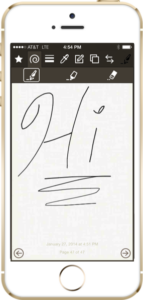
Information on Spiral by Digital Generalists – the ultimate pocket notepad. Spiral is an iPhone application that allows you to take quick notes, draw, sketch, doodle, and more! All these things can be done by simply “drawing” on the application with your finger or a stylus.

  • Spiral 1.0.1 Now Available

    We’re happy to announce a minor update to Spiral that is now available on the App Store.

    We released Spiral just a little less than a month ago. Over that time, we’ve gotten some very good feedback about the application.

    Overall, our users have been very happy with Spiral. They like the functionality and the application has been extremely stable. We have received some good constructive suggestions on how some things could work differently, and we’re looking at incorporating that feedback into future versions of the product. So if you’d like to see a feature in Spiral, let us know!

    There have been a few defects reported. Unfortunately, no software is ever defect free (no matter how hard we try). Given that Spiral was a “1.0” product, we have been really happy with the very low number of defects reported. When we tallied everything up, we could count the number of issues on one hand.

    The latest version of Spiral addresses all of these issues, so if you’ve encountered an error with the previous version, give the update a try. Additionally, we’ve verified that Spiral will work well on iOS 7.1.
  • Introducing Spiral

    Digital Generalists is excited to announce the release of:

    Spiral by Digital Generalists

    Spiral by Digital Generalists

    Spiral by Digital Generalists

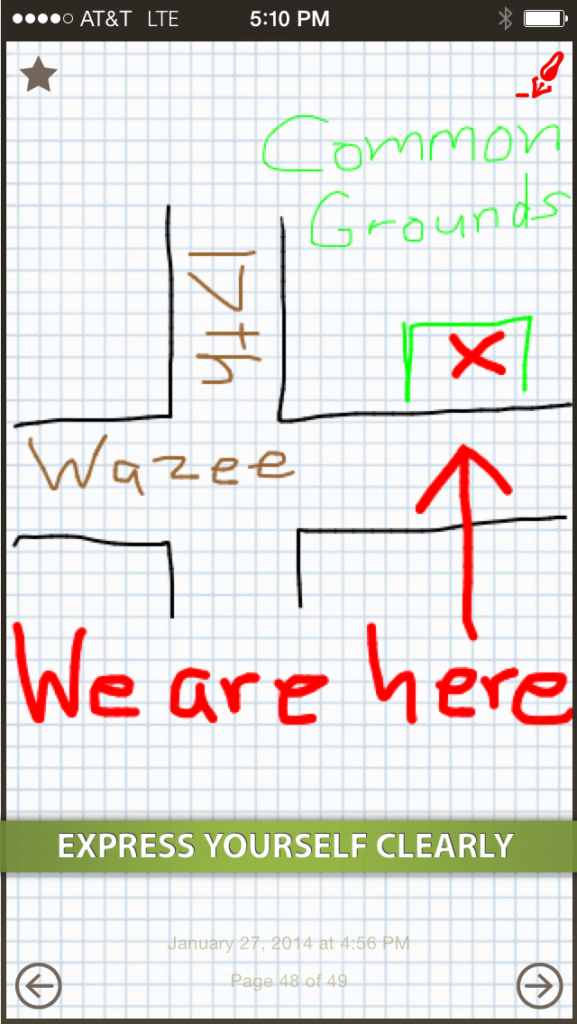
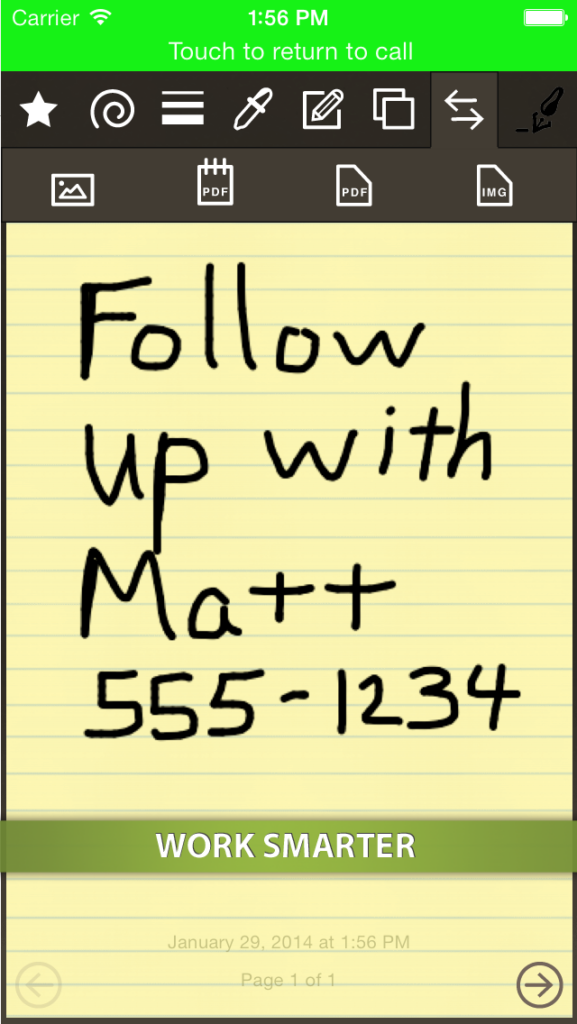
    Spiral is the perfect application for lovers of pocket-sized paper notepads who want to take quick notes, draw, sketch, doodle, and more! All these things can be done by simply “drawing” on the application with your finger or a stylus.

    Spiral uses a world-class drawing engine that provides smooth lines and a fluid writing experience. We worked very hard to make using Spiral feel like writing on an actual notepad, and we’re proud of what we built.

    Designed specifically for the smaller size of the iPhone, Spiral gives the power and features of notepad applications available only on the iPad in a way that works well on a smaller screen.

    Give Spiral a try today!

    Features

    Spiral offers the following features:

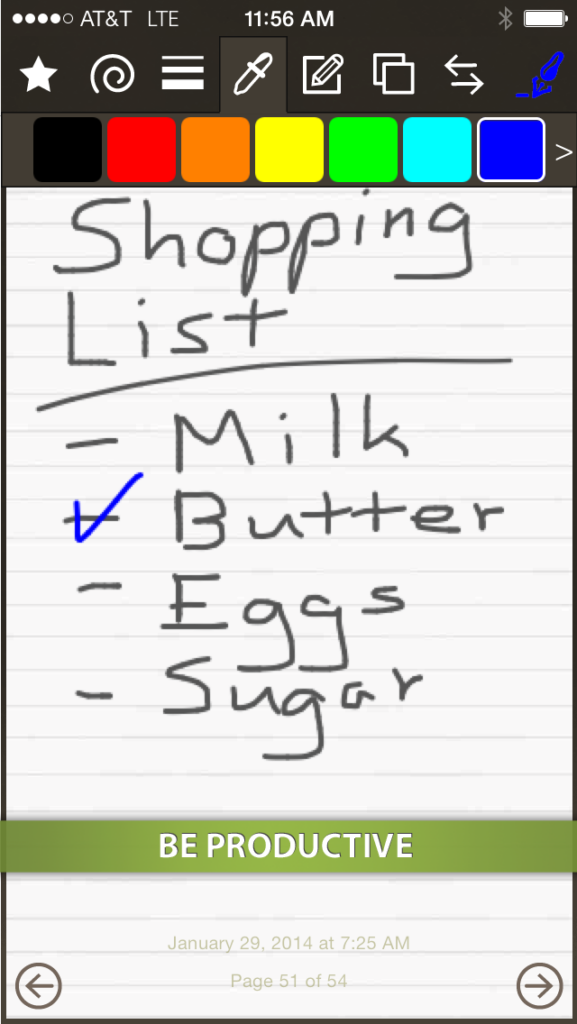
    • draw with pen, highlighter, and eraser drawing tools with enhanced effects to make writing with the app feel like writing on paper
    • write on unlimited pages
    • add a picture from the camera or photo library to a page
    • create a PDF of the entire notepad or just a single page of the notepad
    • email the notepad or a page
    • Text message the notepad or a page (iOS 6+)
    • save pages to the photo library
    • share pages on popular social media services such as Facebook and Twitter (iOS 6+)
    • print the notepad or a page via AirPrint
    • draw with multiple line sizes
    • draw with 13 colors
    • feel free to experiment with multi-level undo and redo
    • clear your drawing, background, or delete a page
    • rotate the contents of a drawing
    • make the app look how you like with five styles of paper and the option to use a plain white drawing surface
    • view an interactive tutorial that shows you how to use the application

    All of these features are available for less than the cost of a single hard-cover paper notepad.

    Give Spiral a try today!

    Download on the App Store